
Guided photography for everyone
Better portraits, guided step by step
Dumama Photo shows you how to pose, where to stand and how to set up your iPhone, then checks your framing and pose live as you shoot. Its photo tools edit, compress and clean your pictures, and nothing ever leaves your iPhone.
Free · iPhone · iOS 16 or later
- 432 pose templates
- Live pose guidance
- Private photo tools
- 25 languages
Everything in one app
Guided Photography
432 pose templates in 36 collections across three styles: Portrait, Artistic and Cinematic. Each one has a reference photo, a step-by-step guide to the pose, the camera position and the light, tips on what to avoid, and camera settings fitted to your iPhone.
Guided Camera
The camera checks framing, phone angle and pose while you shoot and gives one clear instruction at a time, until you're ready. Pose detection uses Apple's Vision framework on your iPhone. Grid, timer, zoom presets for your real lenses, tap to focus, front or back camera.
Photo Academy
Seven short lessons: the five steps of a good photo, reading the light, composition, posing, camera settings, the cinematic look and common mistakes.
Photo Tools
Remove hidden metadata, compress to a quality or a target size, resize from 720p to 4K, convert between JPEG, HEIC and PNG, enhance, blur or remove the background, upscale and auto-enhance. Up to 20 photos at a time, or 100 if you raise the limit. Your originals are never changed.
AI Prompt Editor
Describe an edit in your own words, such as “warmer and slightly brighter, blur the background”. You see the planned edits before anything is applied, then fine-tune the strength and compare before and after. Edits are light, color, focus and style filters: nothing is generated, removed or reshaped.
Optimize Storage
Replace photos in your library with smaller, metadata-free JPEG copies of the same size. You see what will happen before anything changes, each copy is verified, and iOS asks you to confirm before originals move to Recently Deleted.
Private by design
Your photos are processed on your iPhone and never uploaded. Dumama Photo has no account, no ads, no analytics and no tracking, and collects no data.
How we protect your privacy- No network code in the app: photos, prompts and settings stay on your device.
- Pick photos with the system picker, without giving access to your whole library.
- Clean copies are checked before they are saved: the app never claims a photo is clean unless the check passes.
- This website uses no cookies, no analytics and no third-party resources.
A look inside
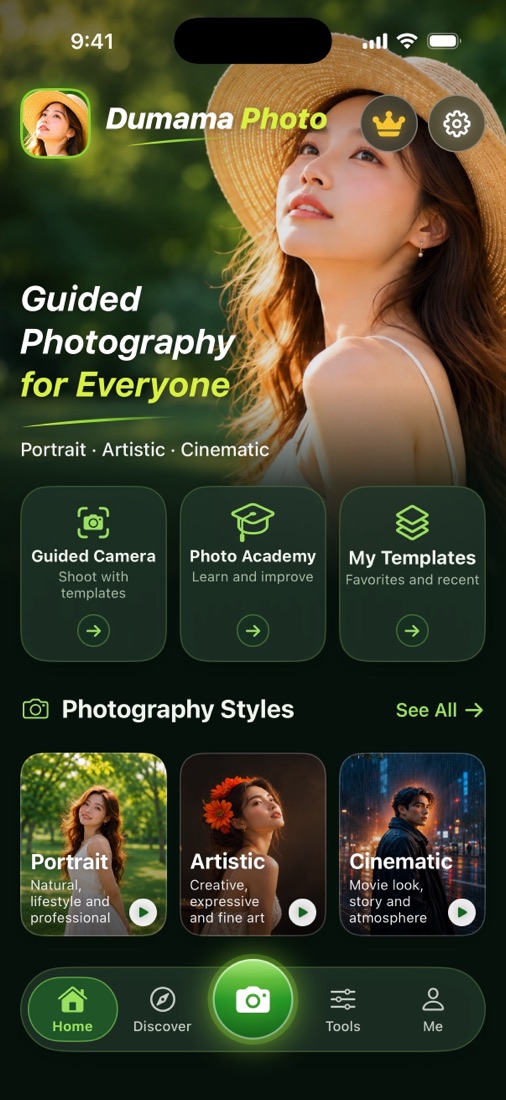
Home 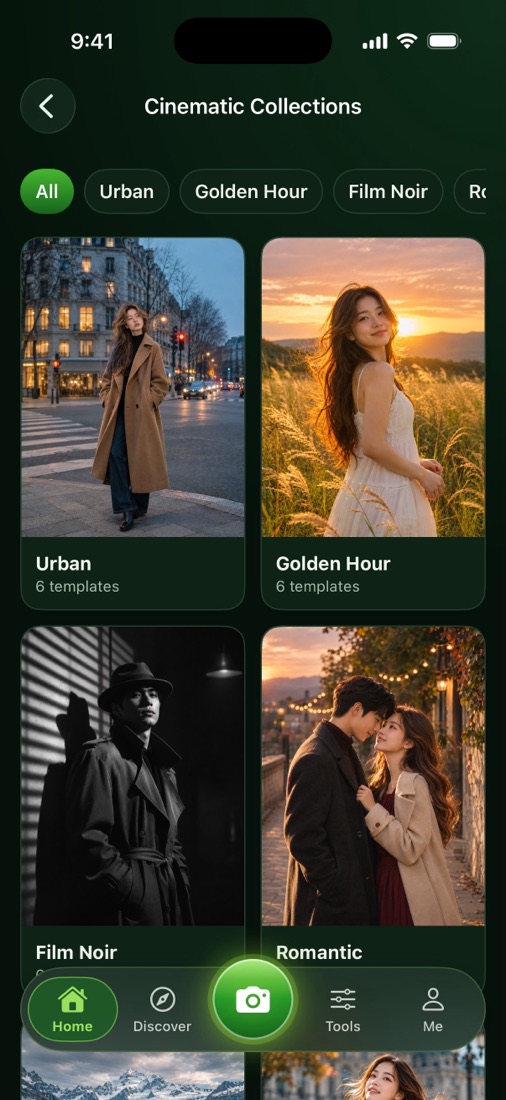
Cinematic collections 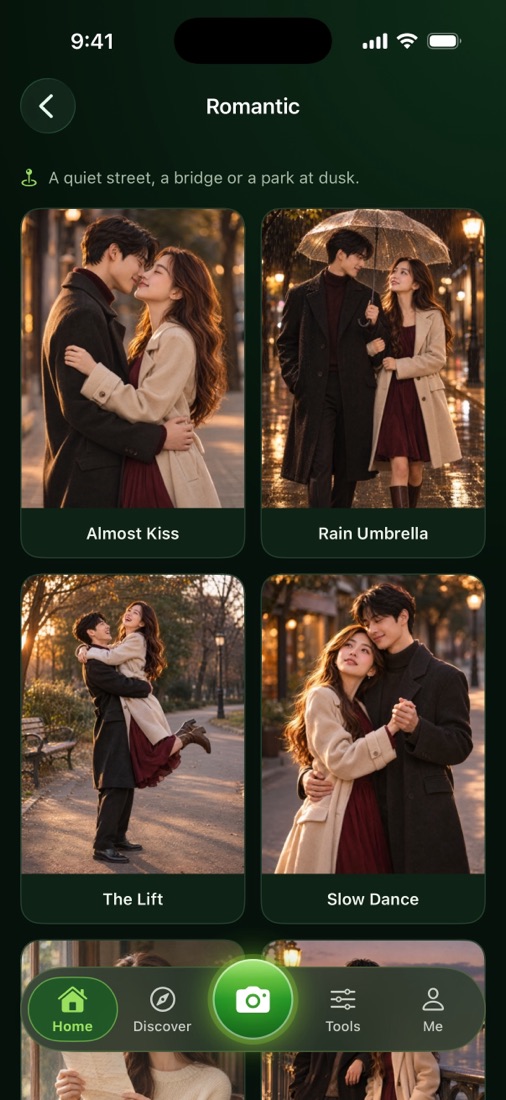
A collection 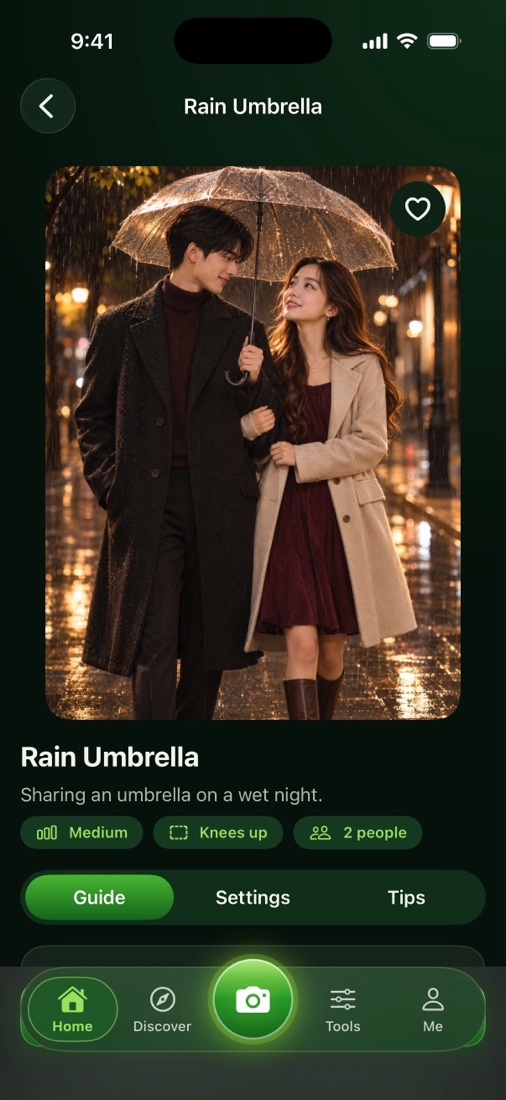
Template guide 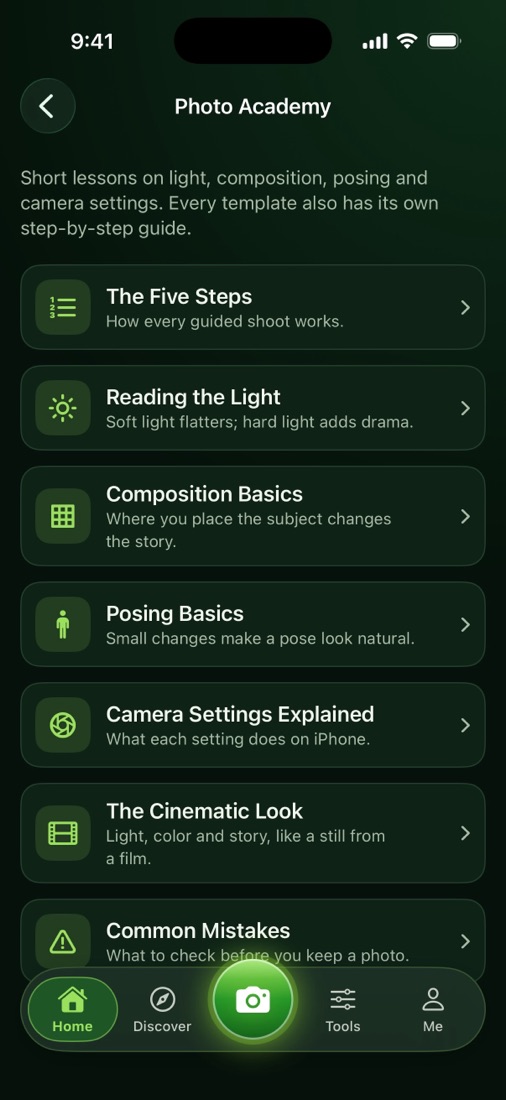
Photo Academy 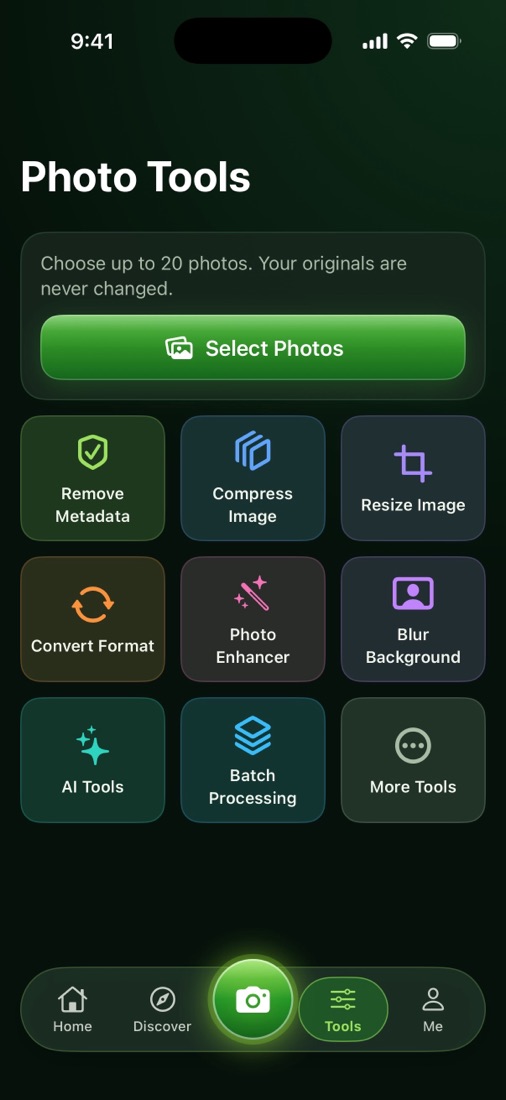
Photo Tools 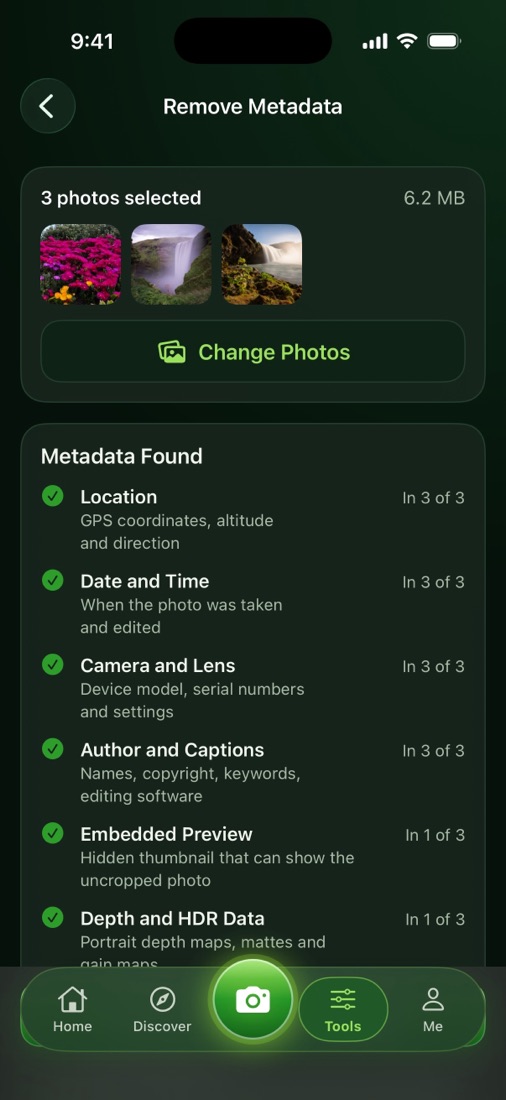
Remove Metadata 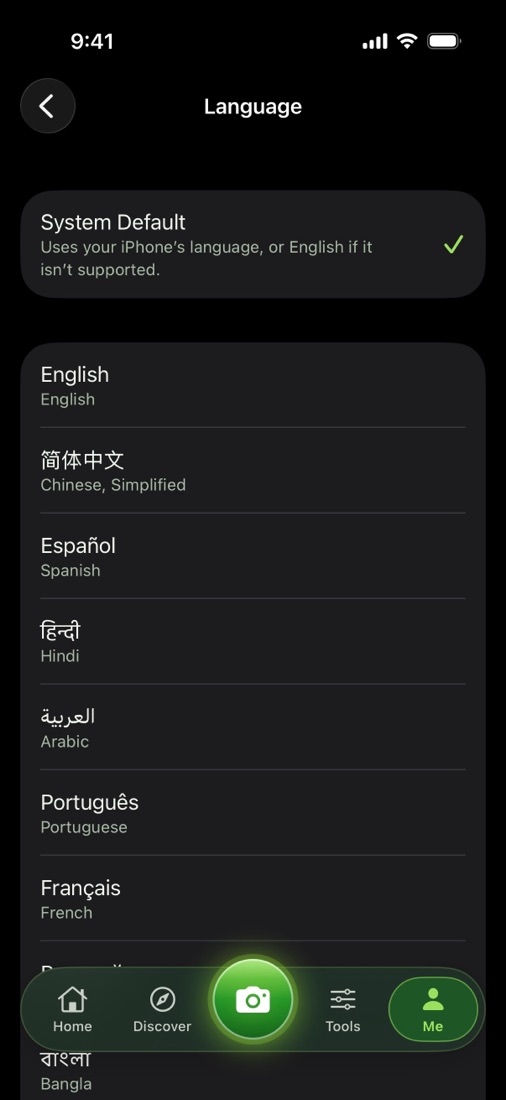
Languages
Available in 25 languages
The app follows your iPhone's language, or you can choose one in Settings. Arabic, Persian and Urdu use a right-to-left layout.
Frequently asked questions
Is Dumama Photo free?
Yes. Every feature is free. There are no in-app purchases, subscriptions or ads, and no account is needed.
Which iPhones are supported?
Any iPhone with iOS 16 or later. Understanding free-form requests in the AI Prompt Editor with Apple Intelligence needs iOS 26 and an iPhone that supports Apple Intelligence; on other iPhones the editor uses its built-in phrase matching and suggestions.
Are my photos uploaded anywhere?
No. All processing, including pose detection and the AI Prompt Editor, runs on your iPhone. The app has no network code.
Does the app change my original photos?
No. Tools always write new copies. Originals are only deleted if you ask for it, in Free Up Storage or Optimize Storage, and iOS asks you to confirm. Deleted originals stay in Recently Deleted for 30 days.
Can the AI Prompt Editor remove people or change clothes?
No. It only adjusts light, color, focus and style. Requests that would need generated image content, such as removing people, replacing the sky or reshaping a face, are explained instead of being faked, with the closest edit it can do.